StemTab / iPhone · iPad · Duo · Android
Offline stem separation, right on your device
Models run on your phone or tablet. Separate stems, listen, and refine a score draft offline; projects stay on your device by default, with no cloud upload required.
Choose your device
- On-device models · offline
- Audio and projects stay on your device by default
- One-time purchase · no recurring fee for unlocked features
StemTab App
Buy once. Keep using your unlocked on-device tools.
The iPhone and iPad app is purchased on the App Store. On Android, preview the first 30 seconds free, then unlock full processing and export with one purchase. No subscription or renewal for unlocked native features. Purchase and restore require a connection; Web is billed separately.
01 — 03
See the app in action
iPhone · iPad
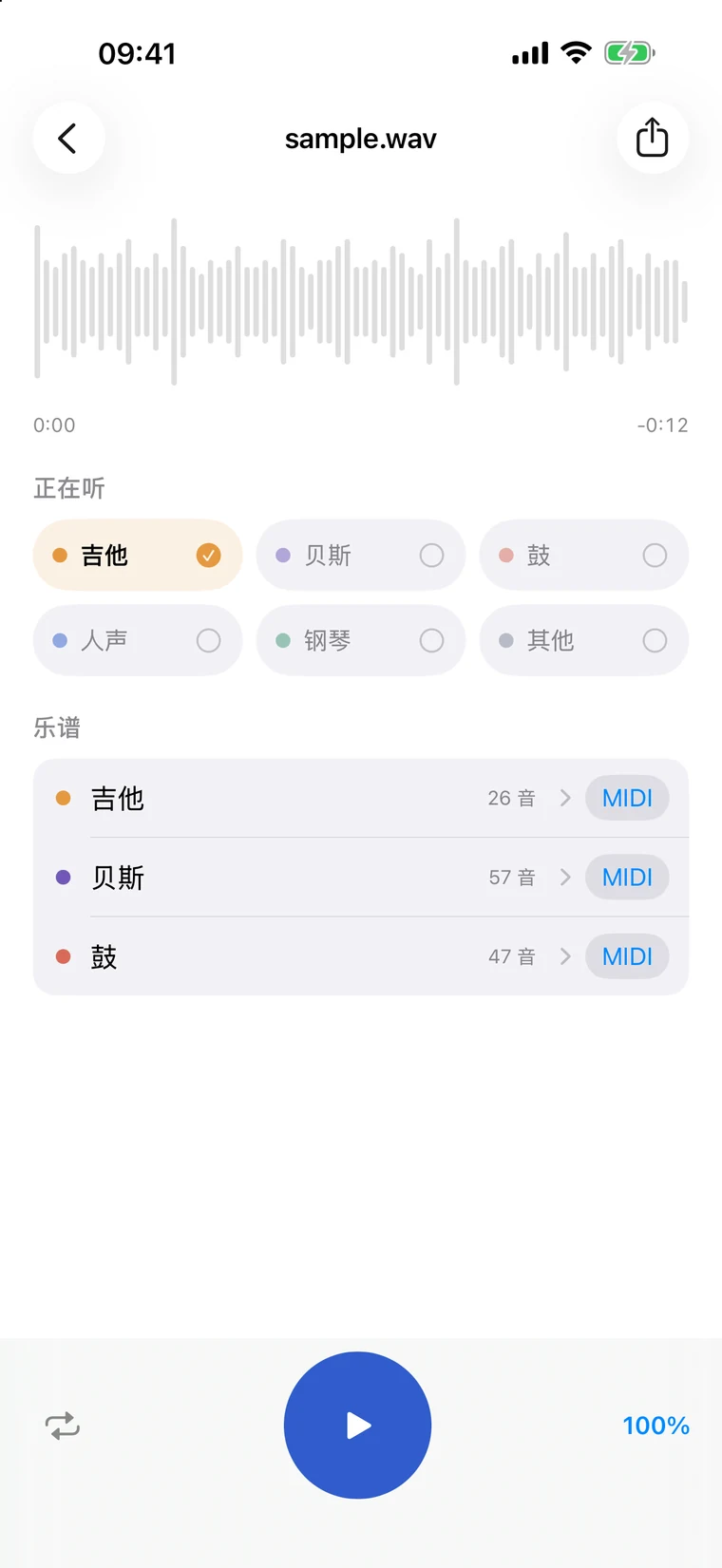
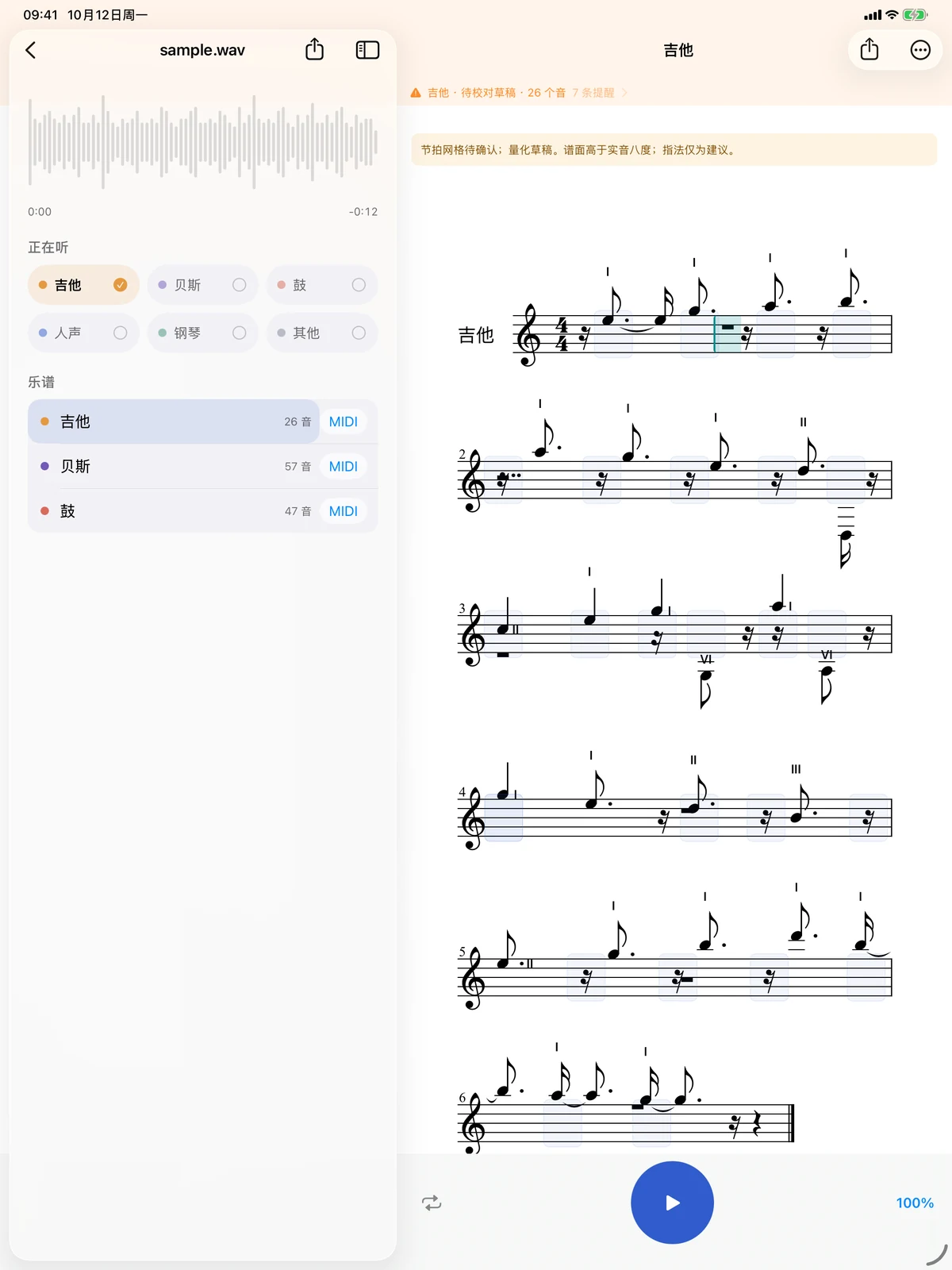
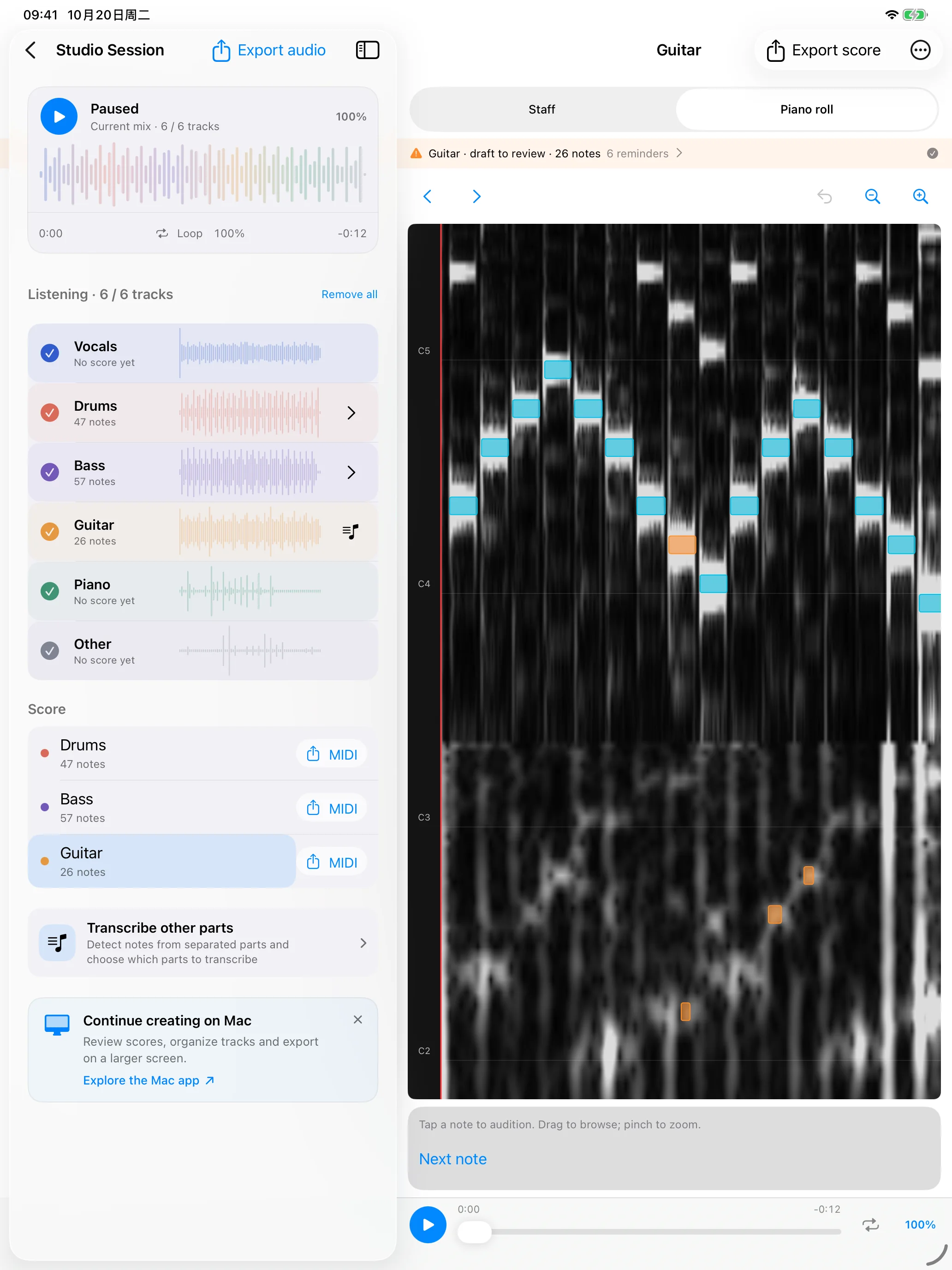
Hear every part on iPhone and iPad
Import audio or video you have the right to use. Separate stems on device, listen, correct a score draft, and export what you need.
From stems to a score you can refine
- Vocals & accompaniment or six stem types
- Correct notes in notation or piano roll
- Slow down, loop, and audition stems
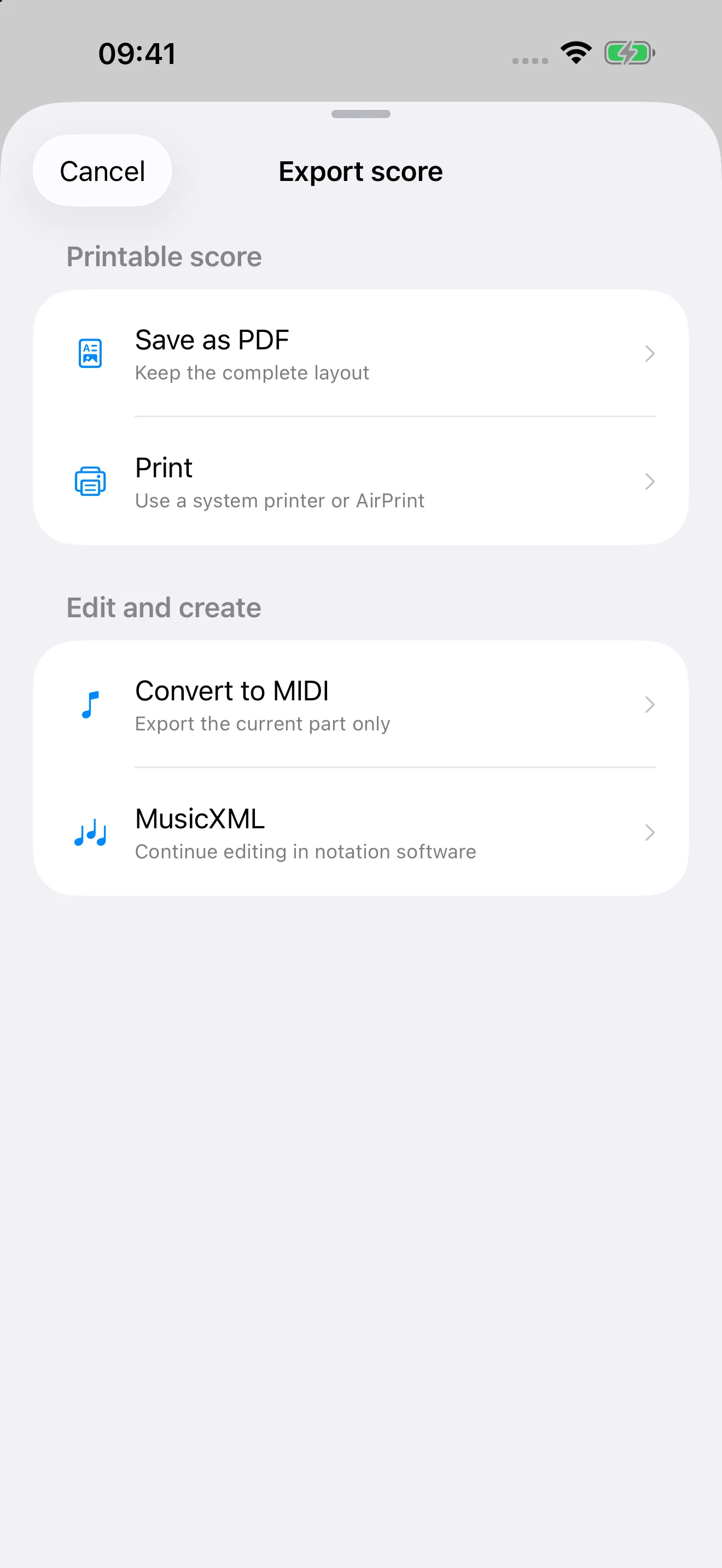
- Export stems, MIDI, MusicXML, and PDF

Purchase
The iPhone and iPad app is purchased on the App Store. Supported on-device features need no StemTab account; Web packages are purchased separately.
For compatible iPhone and iPad devices. Check the App Store for system requirements and current price. Apple Watch can record and send audio to a paired iPhone for analysis.
iPhone Duo
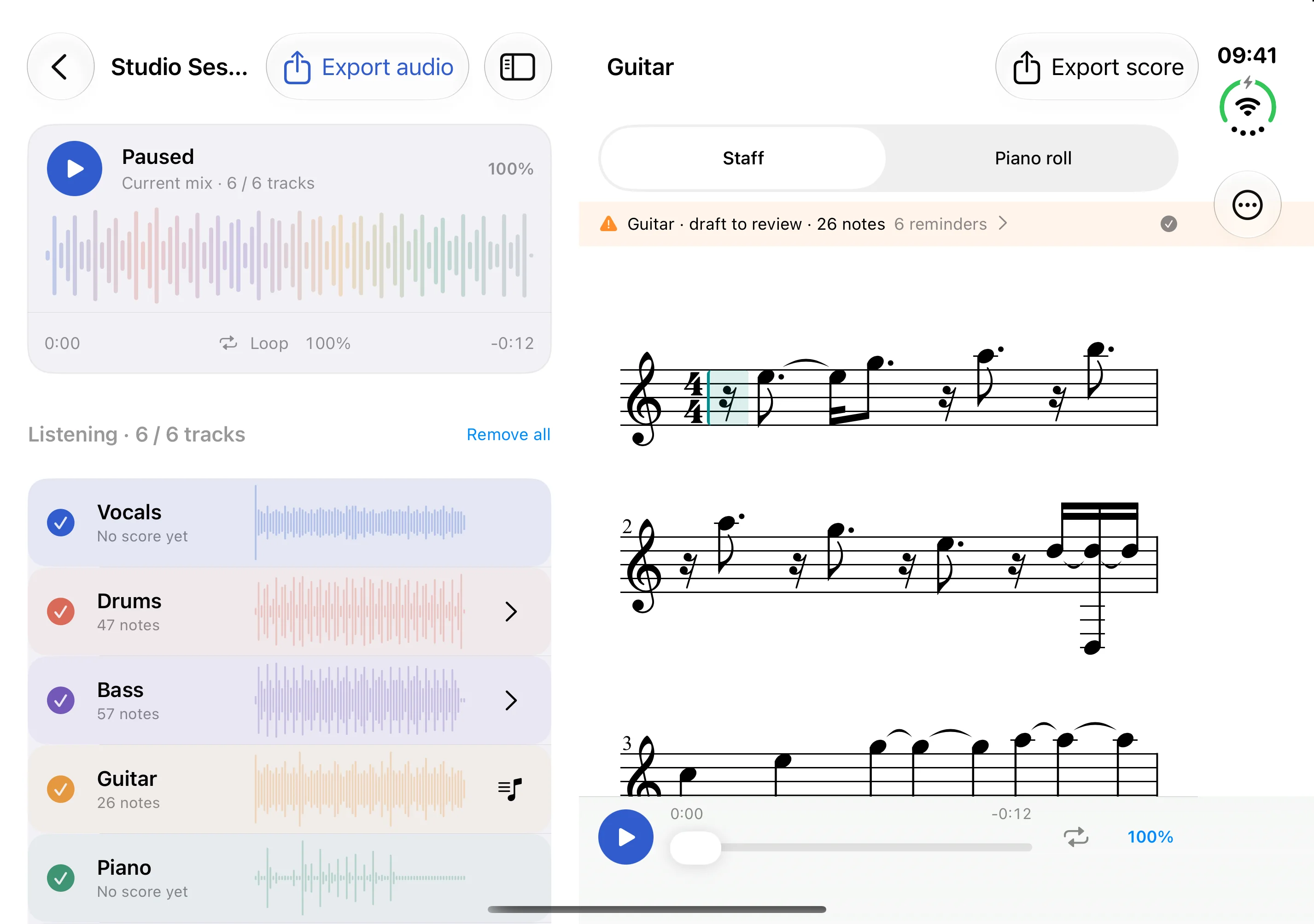
Duo, from cover to main screen
Review the score on the cover screen, then unfold for a wider view of stems and notation.
MIDI · MusicXML · PDF
Make the draft your own
Inspect notes in the iPad piano roll and spectrogram, then export PDF, MusicXML, or MIDI on iPhone. Transcription is a draft to review.
Android
Try the sound on Android before unlocking
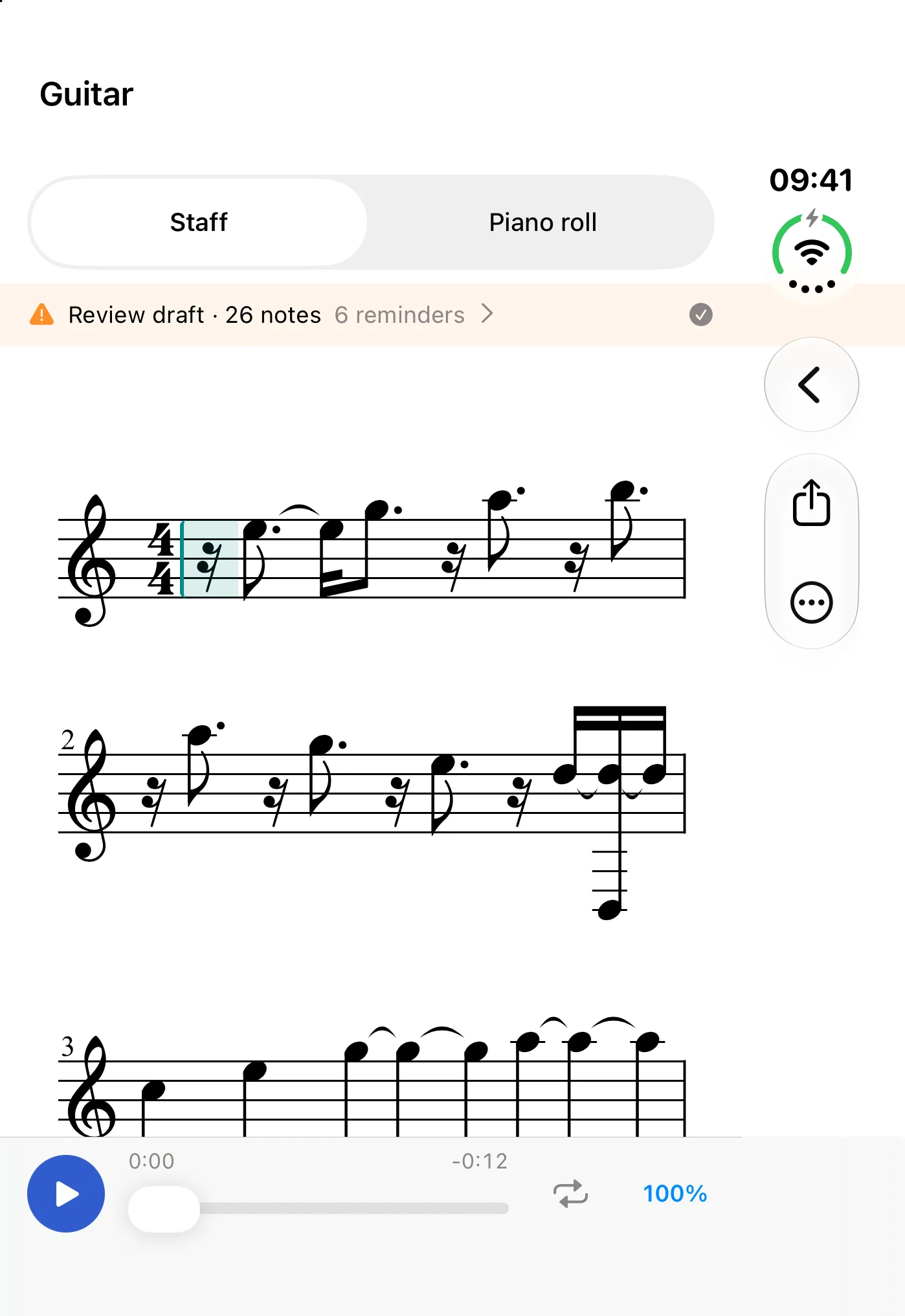
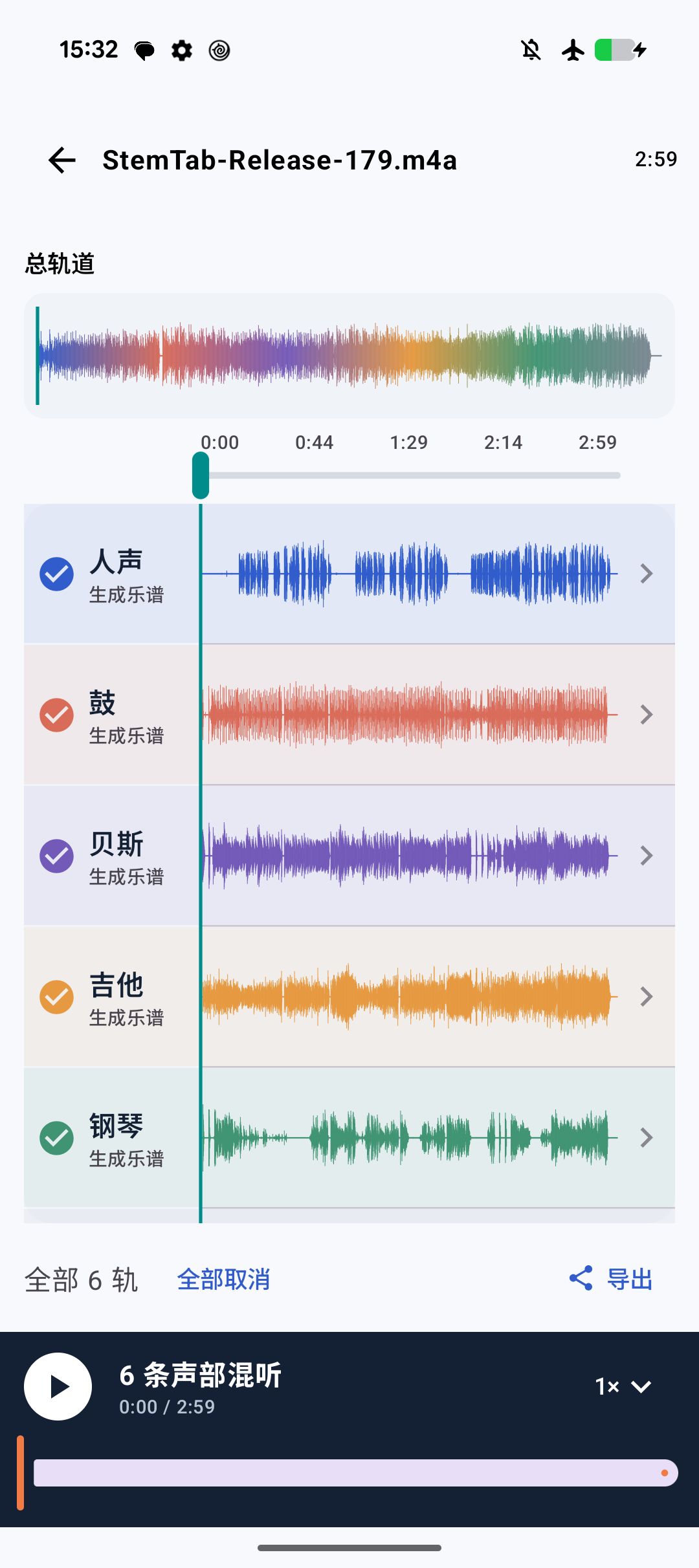
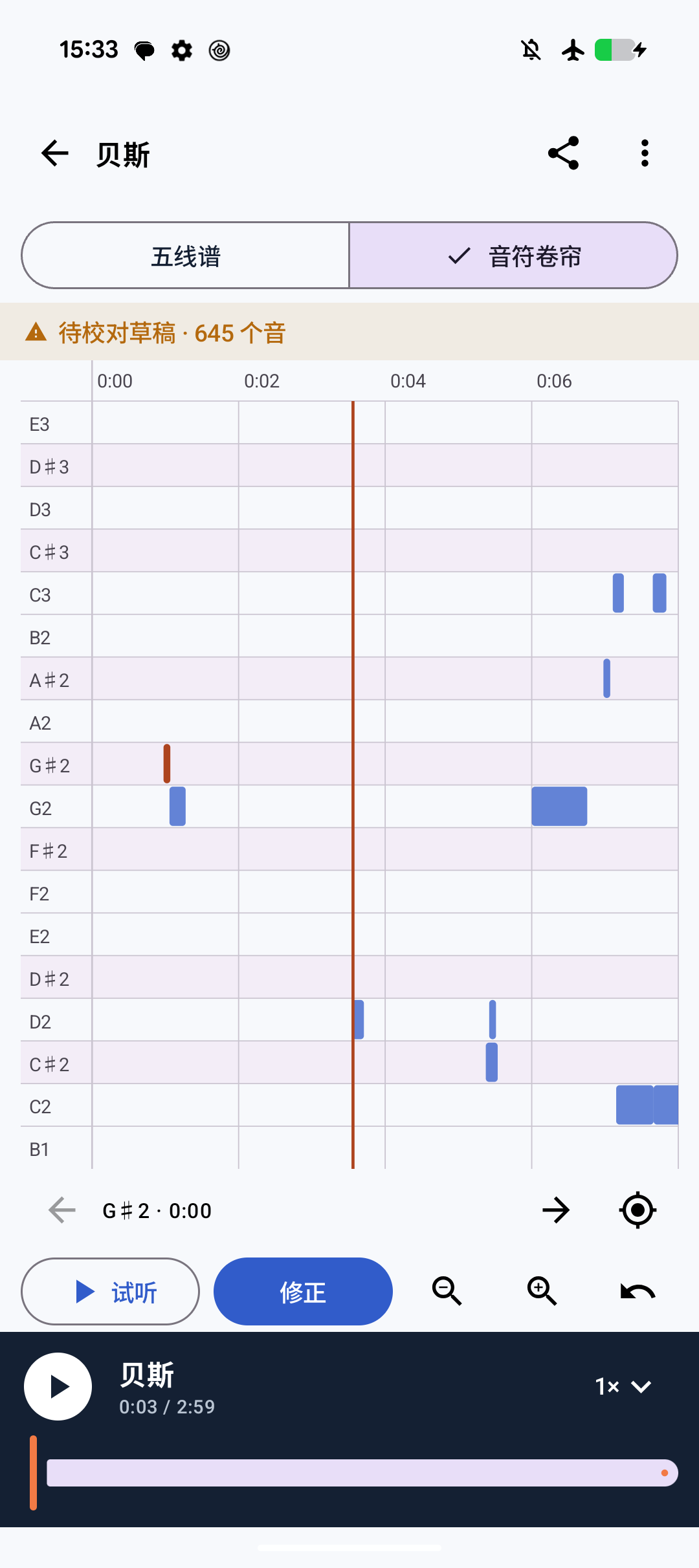
Import audio or video you have the right to use. Separate parts offline, listen, and correct a score draft. Preview the first 30 seconds free; one purchase unlocks full processing and export.
Turn what you hear into something you can edit
- Vocals & accompaniment and six stems on supported devices
- Listen to stems and build a mix
- Edit notes in notation and piano roll
- After unlocking, export audio, MIDI, MusicXML, and PDF

Preview and unlock
Install free to process the first 30 seconds of your audio, listen, and inspect or edit the score draft. Full processing and all exports require a one-time Google Play purchase, not a subscription. Purchase or restore needs a connection; verified local features work offline afterward.
Stem separation requires at least 7 GiB of system-recognized RAM; each audio item is limited to 10 minutes. Check Google Play for compatibility and current price. The Android unlock does not include Web or iOS purchases.
Mac
Mac app now available
On Mac, open accessible audio or video links, then separate, refine, practice, and export on device. Available on the App Store as a separate purchase.
Frequently asked questions
How do I get the iPhone and iPad app?
The iPhone and iPad app is purchased on the App Store. Supported on-device features need no StemTab account; Web packages are purchased separately.
How does the Android preview and unlock work?
Install free to process the first 30 seconds of your audio, listen, and inspect or edit the score draft. Full processing and all exports require a one-time Google Play purchase, not a subscription. Purchase or restore needs a connection; verified local features work offline afterward.
Is the Mac app available to download?
On Mac, open accessible audio or video links, then separate, refine, practice, and export on device. Available on the App Store as a separate purchase.